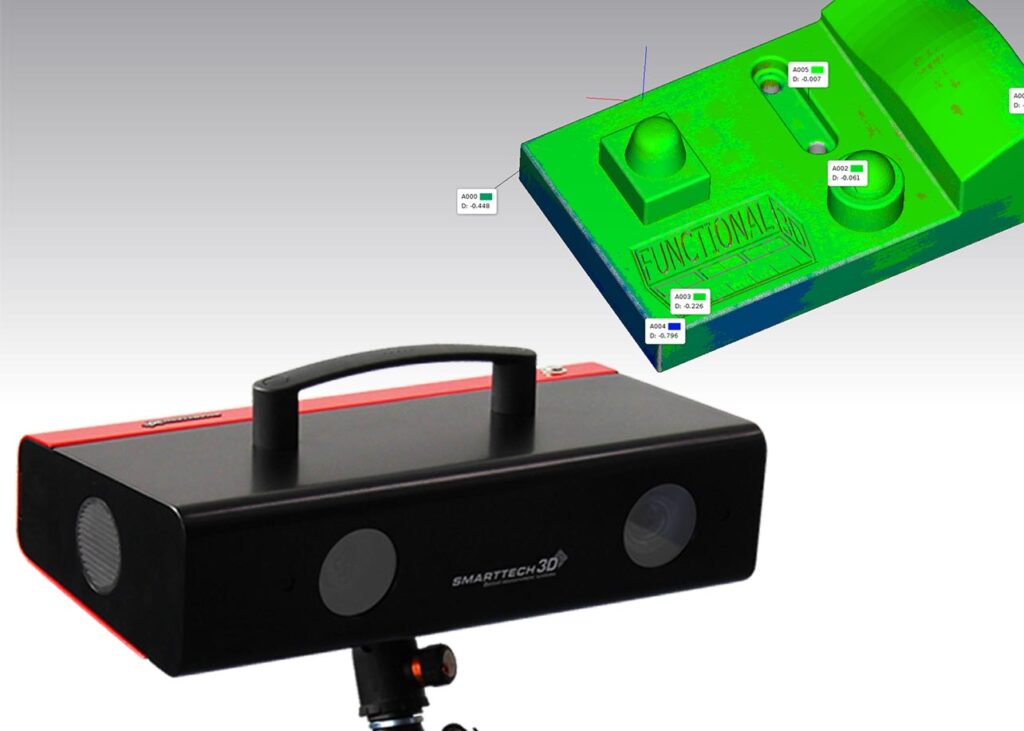
3D Printers & Product Lines
We carry professional Stratasys 3D printers across five industrial technologies, FDM, PolyJet™, P3™, SAF™ and Stereolithography (SLA), plus desktop 3D printers, software and 3D scanners, so you can match the right machine to every application.
Find the Right 3D Printer for Your Business
Choosing a 3D printer can feel overwhelming when every technology works differently. R&D Technologies makes it simple. Tell us what you want to make, and our experts will help you compare FDM, PolyJet™, P3™, SAF™ and Stereolithography to find the machine that fits your parts, budget and timeline.
Also check our current 3D printer promotions to see if any apply to you.
- Shorter design cyclesPrint and test more ideas in days instead of weeks, and catch errors before tooling.
- Less material wasteMaterial is added only where the part needs it.
- Freedom of designMake shapes that molds and machine tools can’t, from prototypes to production parts.
Our 3D Printer Product Lines
Each technology is built for different jobs. Start with the one that matches your application, or jump to the side-by-side comparison.
Industrial Stratasys 3D Printing Technologies
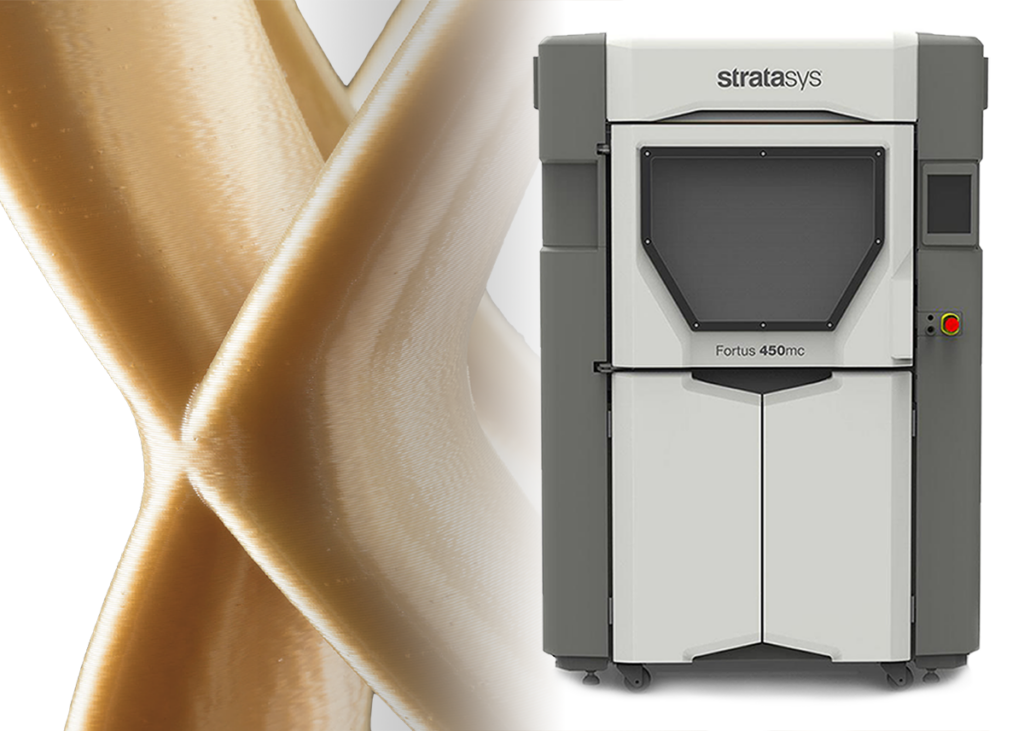
FDM 3D Printing
Strong, durable parts in real engineering plastics. The most widely used and easiest-to-run industrial technology. Trusted for aircraft ductwork and ESD-safe, high-heat and UV-resistant parts.
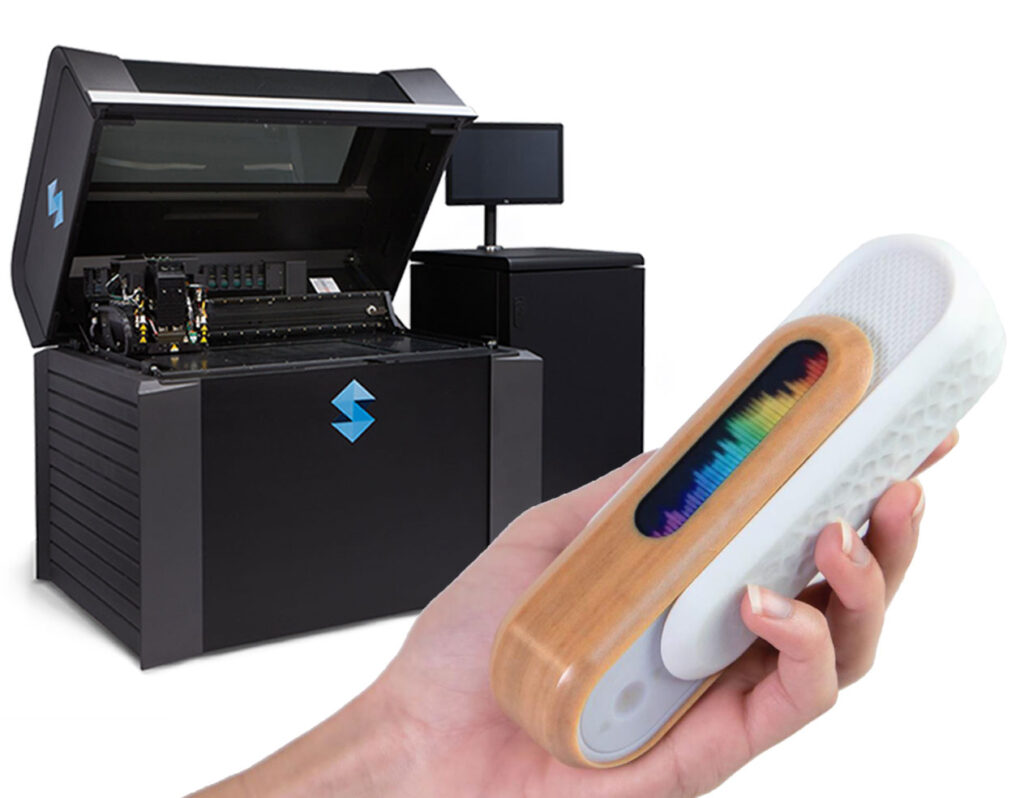
PolyJet™ 3D Printing
Ultra-realistic models with smooth surfaces, full color, clear and rubber-like materials, all in a single print. Popular for surgical planning models, anatomical models and dental models.
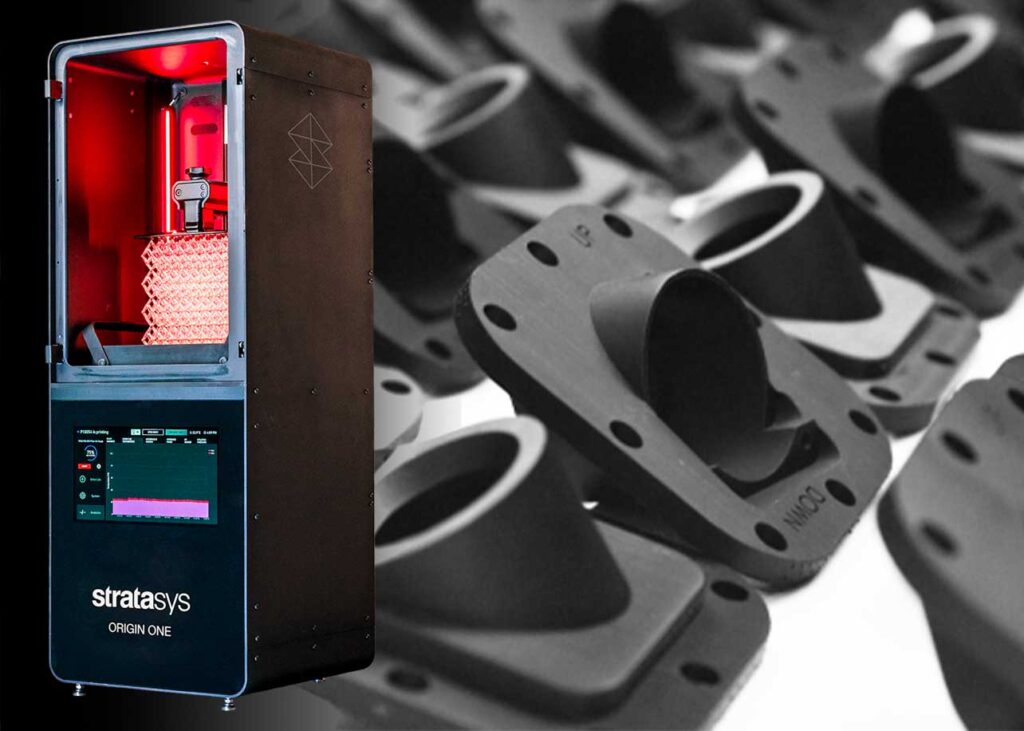
P3™ Technology
Production-grade accuracy and consistency on the Stratasys Origin® One. The last part matches the first. Prints details under 50 microns with no sanding, and Origin One Dental makes surgical guides and dental models.
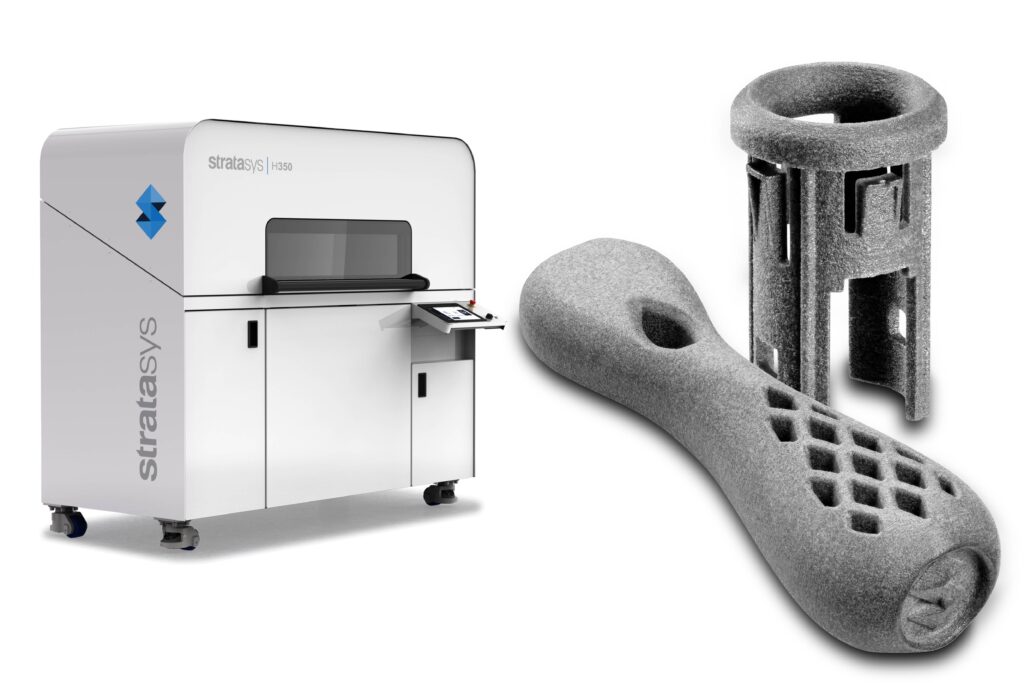
SAF™ Technology
Selective Absorption Fusion™ on the Stratasys H350™ for repeatable, cost-effective production runs. A practical alternative to injection molding for low- to mid-volume, on-demand parts.
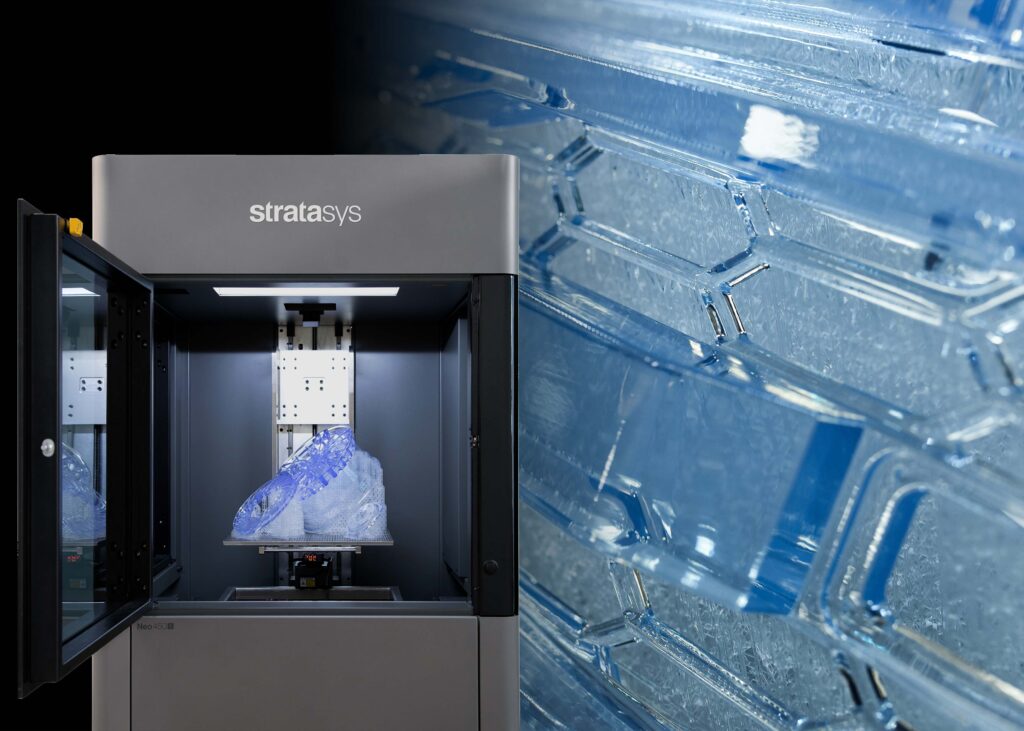
Stereolithography (SLA)
Large, highly detailed parts with very smooth surfaces on Stratasys Neo® printers. Ideal when parts will be painted or coated. Makes investment casting patterns for aerospace, automotive and medical metal parts, plus urethane casting masters.
Get a free recommendation
Tell us what you want to make. We’ll match you with the right technology, printer and material.
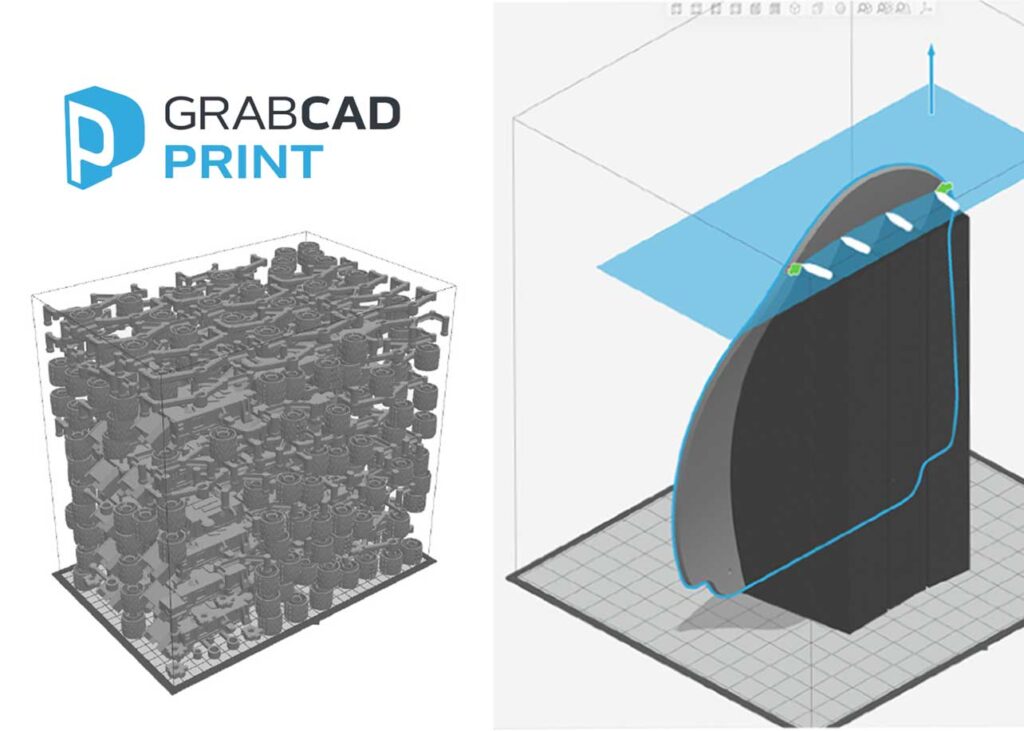
Desktop 3D Printers, Software & 3D Scanning
Which 3D Printing Technology Is Right for You?
Start with your goal. Find what matters most to you below and see which technologies fit best.
Strong, functional parts
Parts that must handle heat, pressure, chemicals or outdoor UV exposure, and work like real production parts.
Realistic look & smooth finish
Lifelike models with fine details, smooth surfaces, clear or multi-color parts, and little finishing work.
Long-lasting parts
Parts used again and again that need to keep their mechanical properties for years.
Medical & dental
Biocompatible materials, surgical planning models, anatomical models and dental parts.
Office-friendly & easy to run
Simple setup, easy support removal and minimal training. No special lab needed.
8 questions to ask before you buy a 3D printer
Your answers narrow the choice quickly. Bring them to a free consultation and we’ll do the rest.
- What is your main goal: faster design, better prototypes, or production?
- Do parts only need to look right, or also fit and function?
- Is a realistic look more important than strength?
- Will parts face heat, chemicals, pressure or sunlight?
- How long do printed parts need to last?
- Do you need biocompatible or sterilizable materials?
- How much space, ventilation and in-house skill do you have?
- What is your budget and timeline?
Compare 3D Printing Technologies Side by Side
Every Stratasys technology solves a different design or manufacturing challenge. Use this chart to compare FDM, PolyJet, P3, SAF and Stereolithography at a glance.
| Feature | FDMThermoplastic filament | PolyJetJetted photopolymer | P3Production photopolymer | SAFThermoplastic powder | SLALaser-cured resin |
|---|---|---|---|---|---|
| Performance ratings | |||||
| Layer resolution | Good | Exceptional | Excellent | Very Good | Excellent |
| Thin walls | Good | Exceptional | Exceptional | Very Good | Exceptional |
| Surface finish | Very Good | Exceptional | Excellent | Very Good | Exceptional |
| Ease of use | Exceptional | Excellent | Excellent | Good | Good |
| Application versatility | Exceptional | Very Good | Exceptional | Excellent | Good |
| Details | |||||
| How it works | Heats and extrudes plastic filament, building the part layer by layer from the bottom up. | A print head jets droplets of liquid photopolymer that cure instantly under UV light, like an inkjet printer. | Programmable PhotoPolymerization precisely controls light, heat and pull forces to cure production-grade resins. | Selective Absorption Fusion™ jets fluid onto a powder bed and fuses each layer with infrared energy. | A UV laser traces each layer in a vat of liquid resin, curing it into a solid part. |
| Materials | Standard, engineering and high-performance thermoplastics | Rigid, flexible, clear, full-color and tissue-like photopolymers | Tough, heat-resistant, elastomer, medical-grade and biocompatible resins | Production thermoplastic powders | Photopolymer resins (open 355 nm system) |
| Strengths | Durable and reliable; office-friendly; easy support removal; widest choice of production plastics, some certified | Unmatched realism; multi-color and clear parts; rigid and flexible materials in one print; easy support removal | Excellent finish and part strength; biocompatible options; high throughput; low cost per part; UV-stable | Durable, accurate and consistent parts; cost-effective at higher volumes | High precision; very smooth surfaces; large build volume |
| Keep in mind | Visible layer lines; parts are weaker along layer lines | Temperature-sensitive; limited functional strength | Needs post-curing; smaller build size; better suited to a shop than an office | Fewer material choices; less cost-effective at low volume; not ideal for concept models | UV-sensitive; needs post-curing; requires a controlled room; not ideal for functional prototypes |
| Typical investment* | Under $10K – $500K | $10K – $500K | $50K – $200K | $200K – $500K | $200K – $500K |
← Swipe sideways to see all technologies →
Ratings based on the Stratasys 3D Printing Buyer’s Guide. *Approximate printer price ranges; contact us for current pricing and promotions.
Thermoplastics vs. Photopolymers
Professional 3D printers use two main families of materials. The right choice depends on whether your part needs strength or surface detail.
Strong, durable plastics, many of them the same ones used in injection molding. You can test form, fit and function before investing in expensive tooling.
- Standard plasticsGeneral-purpose materials for prototypes and everyday parts.
- Engineering plasticsHigher heat and chemical resistance, impact strength, flame retardancy or mechanical strength.
- High-performance plasticsThe best temperature stability, chemical stability and strength for the most demanding uses.
Liquid resins that harden under UV light. They deliver outstanding fine detail and a smooth, attractive surface finish.
- Colors & clearOpaque, translucent and clear options. PolyJet adds full color, color gradients and tissue-like materials.
- Rigid & flexibleFrom rigid plastics to rubber-like elastomers, including biocompatible grades for healthcare.
- Casting patternsSpecial SLA resins make master and investment-casting patterns for metal parts.
Good to know: many photopolymers are UV-sensitive and less durable than production thermoplastics. P3 production resins are made for strength and UV stability.
How Much Does a 3D Printer Really Cost?
The printer price is only part of the picture. Look at these six factors to understand your total cost of ownership before you buy.
The 3D printer
Prices vary by capability. Choose for your current needs and where you want to be in the next few years.
Materials
Often the biggest ongoing cost. If you don’t need high-performance plastics or full color, a lower-priced printer may be the better fit.
Equipment & facilities
FDM, PolyJet and P3 printers can work in an office. SLA and SAF printers need a controlled room and dedicated space.
Labor & training
FDM and PolyJet are easy to learn. SLA, SAF and P3 may need more training or a trained operator.
Support & maintenance
An annual service contract reduces downtime and keeps your costs stable and predictable.
The cost of doing nothing
Slow design decisions, extra change orders and excess inventory all cost money, too.
Typical printer investment by technology
Approximate price ranges. Your final cost depends on the model, materials and options.
Want exact pricing? Request a quote or see our current promotions. Just need a few parts? Get an instant quote for 3D printed parts.
3D Printer Buying Questions, Answered
What is 3D printing?
3D printing, also called additive manufacturing (AM), creates a three-dimensional object from a digital CAD model by adding material one thin layer at a time. Software slices the model into layers, and the printer deposits or cures material only where each layer needs it. Because nothing is cut away, 3D printing wastes less material than subtractive methods like CNC machining and can make shapes that molds and machine tools cannot.
Which 3D printing technology should I choose?
Start with what your parts need to do. For strong, durable, functional parts, consider FDM, SAF or P3. For realistic, full-color or multi-material prototypes with a smooth finish, consider PolyJet, P3 or Stereolithography (SLA). For medical and dental applications that need biocompatible materials, consider PolyJet or P3. For short-run production at a low cost per part, consider SAF or P3.
What is the difference between FDM and PolyJet 3D printing?
FDM melts and extrudes thermoplastic filament, producing strong, durable parts in real engineering plastics. It is ideal for functional prototypes, jigs, fixtures and production parts. PolyJet jets liquid photopolymer droplets that cure under UV light. It produces the most realistic models, with very fine detail, smooth surfaces, full color and rigid and flexible materials in a single print, but its parts are less suited to heavy functional use.
What is P3 (Programmable PhotoPolymerization) technology?
P3 is the Stratasys technology used in the Origin One 3D printer. It precisely controls how production-grade photopolymer resins cure, producing accurate, consistent parts with smooth surfaces and details smaller than 50 microns. P3 materials include tough, heat-resistant, elastomer, medical-grade and biocompatible resins, which makes P3 a strong choice for end-use parts, tooling and dental applications.
What is SAF (Selective Absorption Fusion) technology?
SAF is a Stratasys powder-bed technology used in the H350 3D printer. It jets a fluid onto a layer of thermoplastic powder and fuses it with infrared energy, printing, fusing and recoating in the same direction for even heating across the whole build. The result is consistent, production-grade parts at a competitive cost per part, ideal for short-run, high-volume manufacturing.
What are the most common 3D printing materials?
Professional 3D printers use two main material families. Thermoplastics, used by FDM and SAF, are strong and durable and range from standard to engineering and high-performance plastics. Photopolymers, used by PolyJet, Stereolithography and P3, are liquid resins cured by UV light that give excellent detail and smooth surfaces, with options for clear, full-color, flexible and biocompatible parts.
How much does a professional 3D printer cost?
Professional 3D printer prices depend on the technology and capability. As a general guide, FDM printers range from under $10,000 to about $500,000, PolyJet printers from about $10,000 to $500,000, P3 printers from about $50,000 to $200,000, and SAF and Stereolithography systems from about $200,000 to $500,000. Total cost of ownership also includes materials, facilities, labor and training, and support and maintenance. Contact R&D Technologies for current pricing and promotions.
Can I use an industrial 3D printer in a regular office?
Yes, many can. FDM and PolyJet printers are office-friendly, easy to use and need little training; an air-conditioned room is usually enough, though larger systems need dedicated space. Stereolithography and SAF systems require a temperature- and humidity-controlled room with dedicated space, and P3 printers are better suited to a lab or shop environment.
Which 3D printers offer biocompatible materials for medical and dental use?
PolyJet and P3 technologies both offer biocompatible materials designed for healthcare. PolyJet is widely used for realistic anatomical and surgical-planning models, including materials that mimic human tissue, while P3 on the Origin One Dental produces accurate, repeatable dental guides, models and parts.
What if I am not ready to buy a 3D printer?
You can still use 3D printing. R&D Technologies can print parts for you, so you can test different technologies and materials before investing in a printer. Upload your CAD file for an instant quote, or contact our team for a recommendation.
Not Sure Which 3D Printer Is Right for You?
Our team knows every Stratasys technology inside and out. Tell us about your parts, budget and timeline, and we’ll recommend the right printer and materials, with no pressure and no obligation.